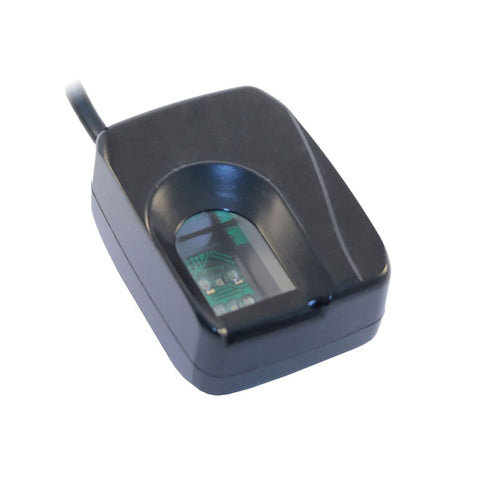
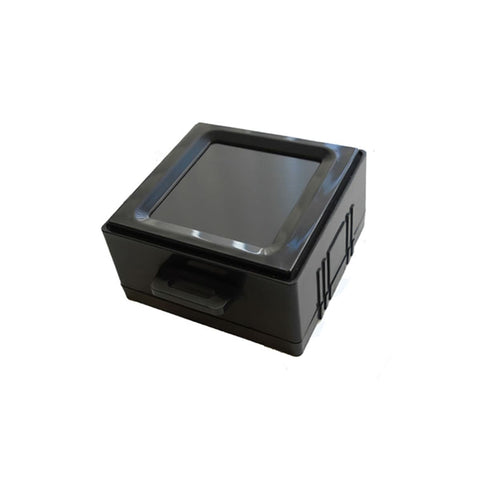
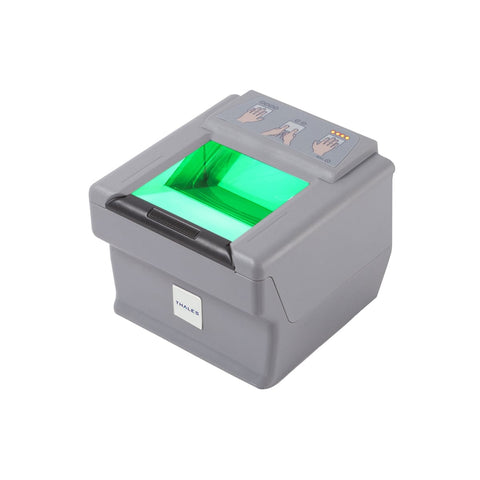
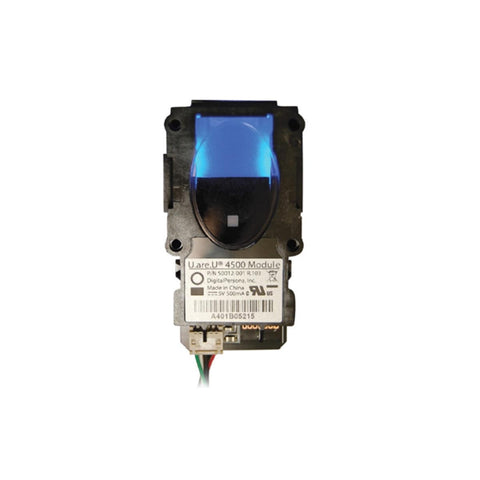
Futronic FS50 FIPS201/PIV USB 2.0 Scanner
FS50 is a professional Fingerprint Scanner from Futronic with
1.6 x 1.5 inch (40.64 x 38.10 mm) scanning area. Its advanced optical
system can capture a high quality image in 0.1 second. It can also
handle bad fingers such as dry, wet, blurred and scarred without any
problem. Its scanning window is crown glass prism with a thickness of
33mm. There is also special anti-scratching coating on the scanning
surface of the prism. This makes FS50 even more robust and ensures long
term heavy duty usage in any harsh environment.
FS50 FIPS201/PIV can capture single finger, dual finger and roll
finger image. It was certified by FBI to be compliant with PIV-071006
Image Quality Specification (view PDF) for Single Finger Reader. So FS50 meets
the US Federal Information Processing Standard 201(FIPS 201) for
Personal Identification Verification (PIV) of Federal Employees and
Contractors. It is also listed in the US General Services
Administration (GSA) FIPS 201 Evaluation Program Approved Product List (http://fips201ep.cio.gov/apl.php).
A unique serial number is factory-programmed into the USB Device
Descriptor of each FS50. So every FS50 is traceable and this is very
important for government identity management projects.
FS50 FIPS201/PIV USB 2.0 Technical Specifications
| Scanner
Name |
FS50 FIPS201/PIV
Compliant USB 2.0 Two Finger Scanner |
| Manufacturer |
Futronic Technology Co. Ltd. |
| Connection |
USB 2.0 |
| Manufacturer
Supported OS |
Microsoft Windows (32bit and
64bit), Linux (32bit), Mac OS X (x86 only), WinCE 5.0 & 6.0 (for
X86 and Arm)
|
| Neurotechnology
Supported
OS
(1) |
Microsoft Windows (32bit and
64bit), Linux (32bit), Mac OS X (x86 only) |
| Resolution |
500 dpi |
Fingerprint
Capture
Method
|
Roll or Touch |
| Image capture
area (Platen size) |
41 x 38 mm (1.6" x 1.5") |
| Fingerprint image
size |
800 x 750 pixels |
| Sensor type |
Optical, CMOS |
| Illumination |
Infrared LEDs |
| Device size |
110 x 110 x 45 mm (4.3" x 4.3" x
1.8") |
| Device weight |
380 grams (0.8 lbs) without USB
cable |
| Operating
temperature |
-10°C ~ +55°C |
(1) These operating systems are supported by Neurotechnology
SDKs.
Back
to
the top of this page
Electrical characteristics
- ESD contact - 8KV and air discharge - 16KV, no permanent damage
Standards Compliance
- FIPS 201 and PIV compliant – certified by FBI
and included in US General Services Administration approved products
list.
Product Compatibility
The Futronic FS50 FIPS201/PIV USB 2.0 Reader is compatible with many
different
software
development kits and applications. Below is the list of products
that are currently known to support this scanner. Please note
that some applications and development kits require specific versions
of the drivers to be installed. Please contact us if you need
additional information.
Supported Software Development Kits:
VeriFinger Standard and Extended SDK
MegaMatcher Standard and Extended SDK
Supported Applications:
FbF
(TM) Device Listener
Back to the top of this page
Live Finger Detection
Live Finger Detection(LFD) is a patent pending technology developed
by Futronic to stop the access to secured data and location by using
fake fingers made from silicone, rubber, play-doh, etc.
Futronic uses active sensing technology to detect live human finger.
In Futronic optical fingerprint scanner, a special signal is emitted to
the finger to be authenticated. This signal goes beyond the human skin
and then returns to sensor inside the scanner. The returned signal of a
live human finger is unique compared to that from any other material.
Futronic has developed an algorithm to differentiate the returned
signal of live human finger from that of all other material. As a
result, Futronic optical fingerprint scanner only captures the
fingerprint of live fingers and rejects all other material that puts on
it. Fake fingers made from silicone, rubber, play-doh, etc, cannot be
used to get access through Futronic optical fingerprint scanner.
To make the LFD working properly, users need to put the finger on
scanner more carefully and accurately. It is because the finger must
touch a special location on the fingerprint scanner for the LFD signal
and sensor to work on. The following pictures illustrate how to put
finger on scanner for the LFD to work properly.
If a finger is not put on scanner accurately according to the above
pictures, it may be rejected because it cannot be detected by the
scanner as a live human finger. When this happens, please take away
finger and try to put finger again. After several trials, it is easy to
get used to it.
Some users may feel that it is quite inconvenient to use LFD
function. But it is worthwhile to sacrifice convenience a bit for
enhanced security. Moreover, the FLD function can be de-activated in
all Futronic products for applications that enhanced security against
fake fingers is not necessary.
Back to the top of this page